
Automatic treatment plan generation
Each chart automatically generates a corresponding treatment plan. Save time by having a quote prepared for you while you're charting.
Core Practice brings you modern, user-friendly charting that just makes sense. Enjoy the same capabilities and functionality you’re used to on our web-based charting platform, without compromise
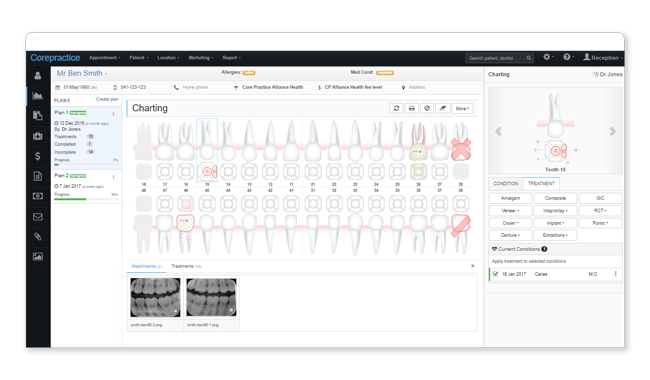
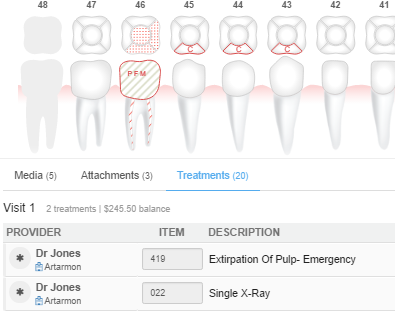
Each chart automatically generates a corresponding treatment plan. Save time by having a quote prepared for you while you're charting.
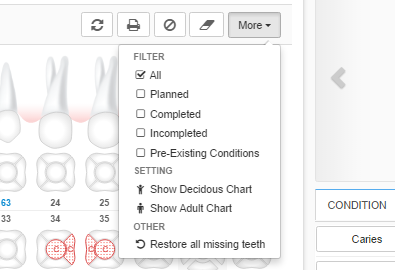
The simple chart layout eliminates the clutter by having all your charts in one. Filter out conditions, treatments or configurations for easy viewing.
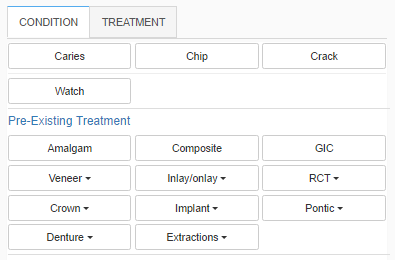
Core Practice charting uses a quick selection menu for conditions and treatments. Everything is displayed clearly, so you'll easily find what you're looking for.
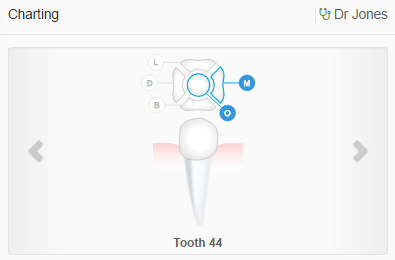
Save time by focusing on a smaller area of the screen and minimising the distance you move your mouse for a more efficient charting experience.
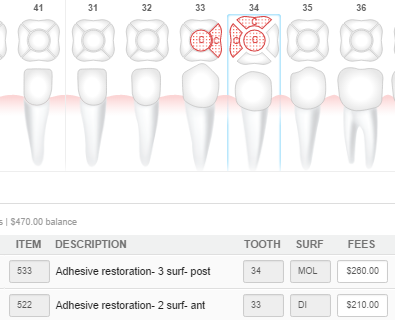
Select as many teeth/surfaces as you want and the system will automatically select the ADA code. The system considers the tooth's position and the number of surfaces to generate the correct code.
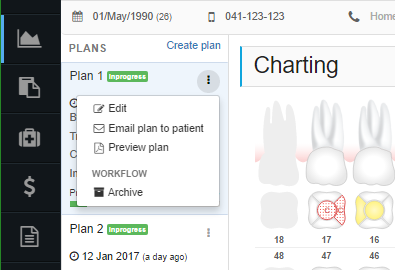
Provide your patients with a thorough overview. Export treatment plans and charts in the same document for a complete assessment.
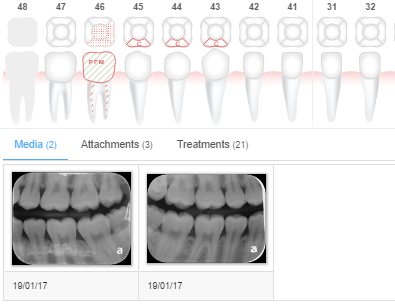
View your patient's media directly from their charting. Reference the media you just took and use it to build a treatment plan.
You ask. We answer
Quick answers to your important questions
A “practitioner” is a dentist's profile in a location. A dentist can have multiple profiles if they work in multiple locations; they will have one profile per location in which they work. The profiles include all the dentist's business information such as ABN and provider number, as well as their location information, such as MYOB/Xero accounts and merchant ID.
An “active practitioner” is a dentist which is actively receiving money. You can have many inactive practitioners in Core Practice, but it is only considered “active” once that dentist starts collecting money. This means that you can create a practitioner profile for each of your dentists in each of your locations, but you won't have to pay for the practitioner profiles which are not actively receiving money.
Try our dental software with full features for 30 days