
All your patient’s clinical history in one place
Here you’ll find patient treatment notes, comments, attachments and media organised by visit. Use this as your first stop when building a case for your patients.
Core Practice delivers all patient details on a silver platter, giving you the information you need in the simplest way possible.
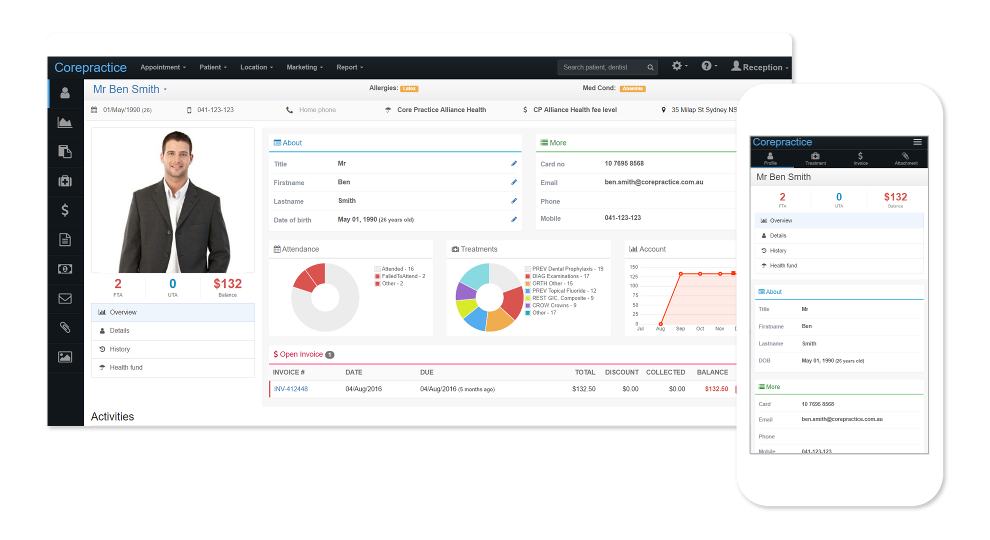
Here you’ll find patient treatment details, notes, attachments and media organised by visit. Use this as your first stop when building a case for your patients.
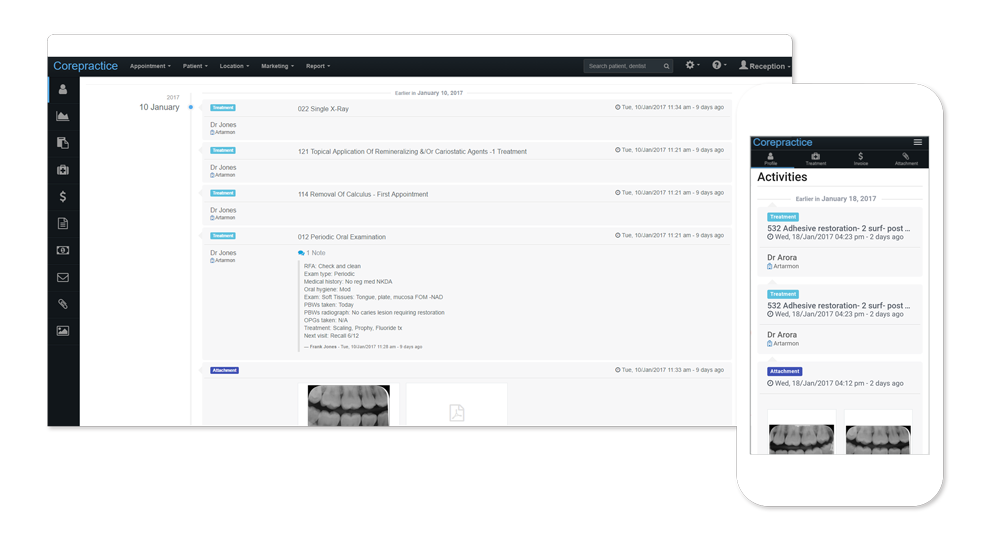
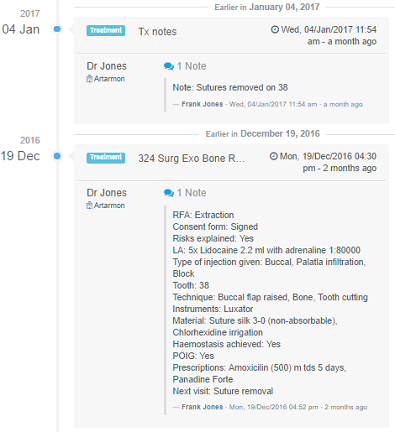
Here you’ll find patient treatment notes, comments, attachments and media organised by visit. Use this as your first stop when building a case for your patients.
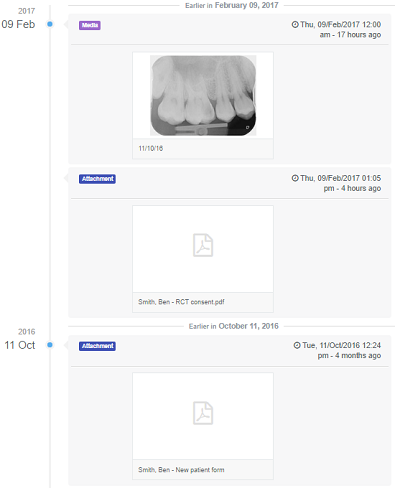
Read appointment notes and view any x-rays or attachments related to that visit directly from the activities feed.
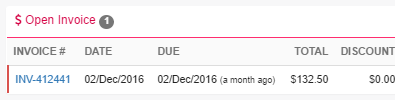
Get a snapshot of the patient’s outstanding invoices and how long they've been owed, based on their due date.
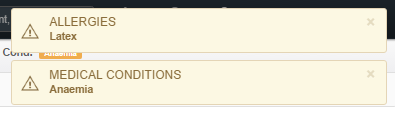
Allergy/medical condition alerts created automatically that catch your attention every time you access a patient’s file.
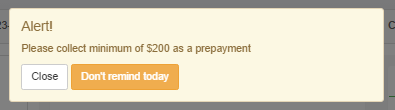
Create a custom alert that will never go unnoticed. The user cannot access the file until the alert has been acknowledged.
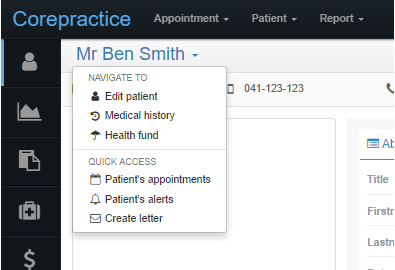
The Shortcut menu allows you to visit common pages quickly. Create a letter from anywhere in the patient’s file with the click of a button.
You ask. We answer
Quick answers to your important questions
A “practitioner” is a dentist's profile in a location. A dentist can have multiple profiles if they work in multiple locations; they will have one profile per location in which they work. The profiles include all the dentist's business information such as ABN and provider number, as well as their location information, such as MYOB/Xero accounts and merchant ID.
An “active practitioner” is a dentist which is actively receiving money. You can have many inactive practitioners in Core Practice, but it is only considered “active” once that dentist starts collecting money. This means that you can create a practitioner profile for each of your dentists in each of your locations, but you won't have to pay for the practitioner profiles which are not actively receiving money.
Try our dental software with full features for 30 days