
Automatic fee level selection
Select the fund, location and provider and let Core Practice choose the correct fee level. Have different fee levels based on location or "preferred provider" status.
The clutter-free layout is designed to be easy to understand and straightforward to use. Practitioner codes are eliminated completely, ensuring no confusion between practitioner and location.
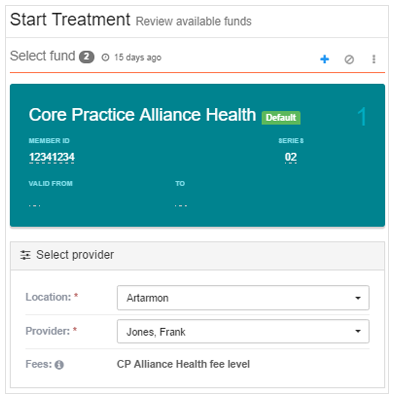
Select the fund, location and provider and let Core Practice choose the correct fee level. Have different fee levels based on location or "preferred provider" status.
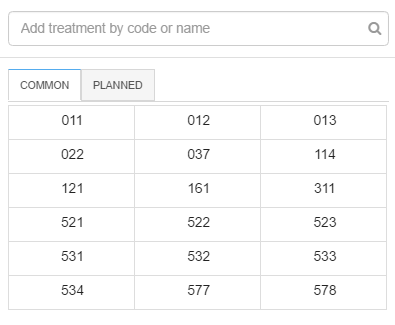
Use the search function to find treatments by their code or name, or use the tabs for frequently used and planned treatments.
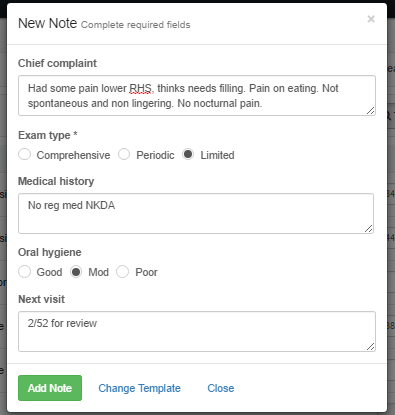
Templates are set out in a question-and-answer format, drastically reducing the amount of time spent on treatment notes.
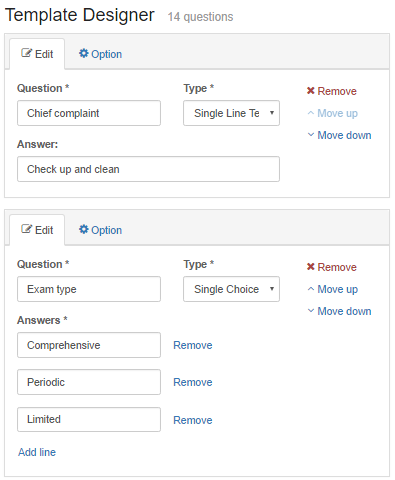
Invest some time to customise your treatment note templates to the way you like them, saving you from constantly typing the same thing.
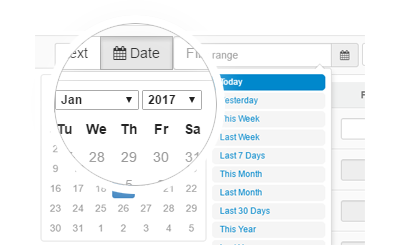
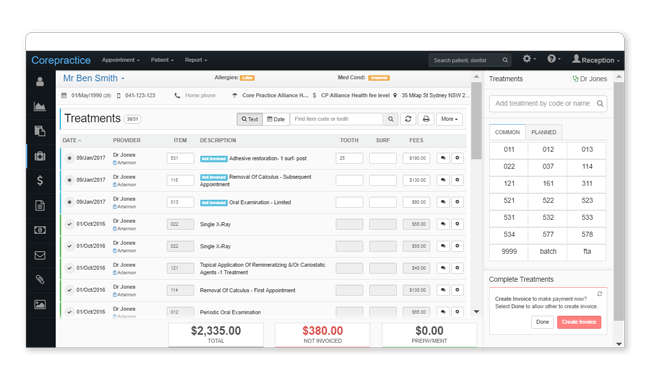
The Treatment Search function allows you to filter the patient's treatment history, reducing the clutter. Search by tooth, treatment or a date range.
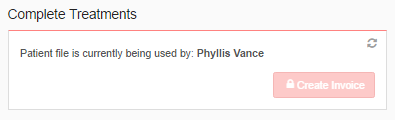
The system locks the patient’s treatment details while treatment is entered. Reception staff won't be able to create an invoice until the practitioner has finished.
You ask. We answer
Quick answers to your important questions
A “practitioner” is a dentist's profile in a location. A dentist can have multiple profiles if they work in multiple locations; they will have one profile per location in which they work. The profiles include all the dentist's business information such as ABN and provider number, as well as their location information, such as MYOB/Xero accounts and merchant ID.
An “active practitioner” is a dentist which is actively receiving money. You can have many inactive practitioners in Core Practice, but it is only considered “active” once that dentist starts collecting money. This means that you can create a practitioner profile for each of your dentists in each of your locations, but you won't have to pay for the practitioner profiles which are not actively receiving money.
Try our dental software with full features for 30 days